Recent updates
These guides explain the recent changes and where to find their current controls. Each guide distinguishes inspected screens from workflows that still need a connected service, supported device or further verification.
Use srvz.app for the customer app. If you also operate a business, its task workspace is srvzr.app/ai. Consumer ordering still follows the offering's own review and checkout steps.
New to the platform? Read SRVZ vs SRVZr to choose the right app.
Find the updated guides
Review proposed before/after values, approve or decline and check the saved order.
PasskeysUse supported device sign-in and manage saved credentials.
Event seatsRead the current legend and distinguish a selected seat from a completed ticket.
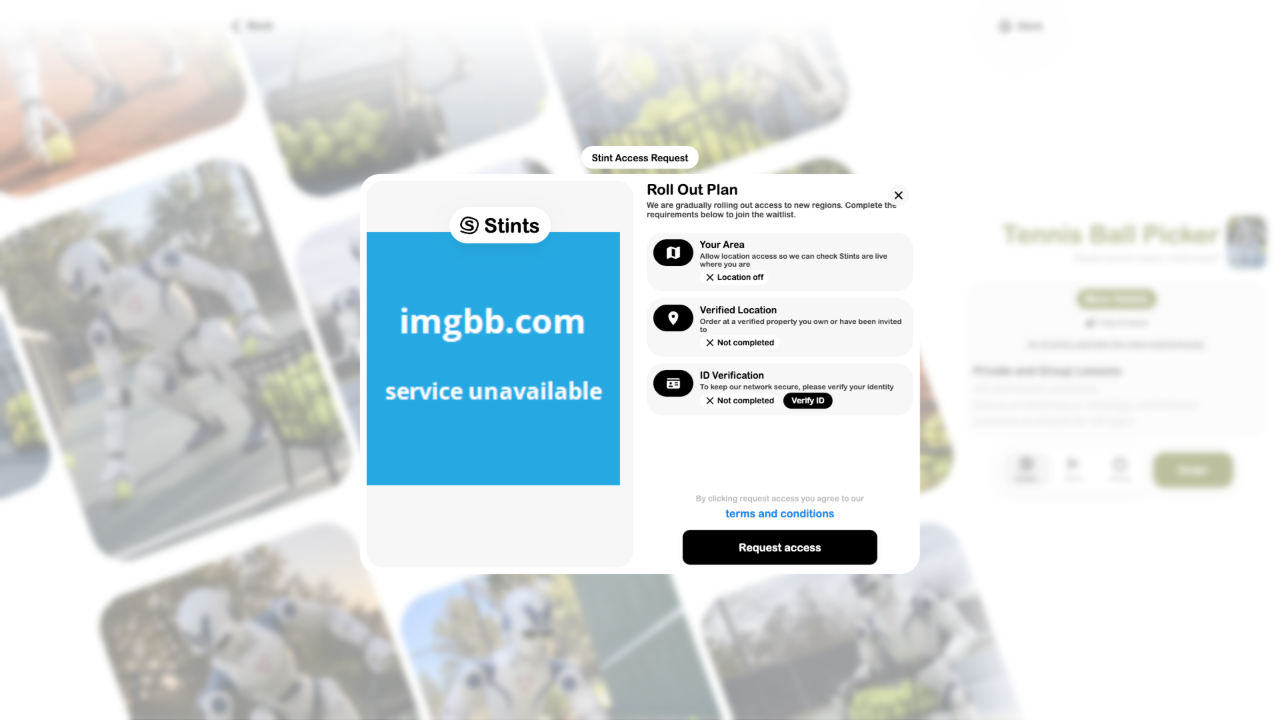
Stint rollout accessCheck area availability, verified location and identity state before ordering.
Interactive roomsInspect prepared moving doors, drawers, lids and fans in a realistic model.
Customer AIFind offerings with SRVZ and keep business-side AI tasks in SRVZr.
Review Stint requirements