Settings
Your account hub in SRVZ. Tap the You tab at the bottom of the app to open Settings.
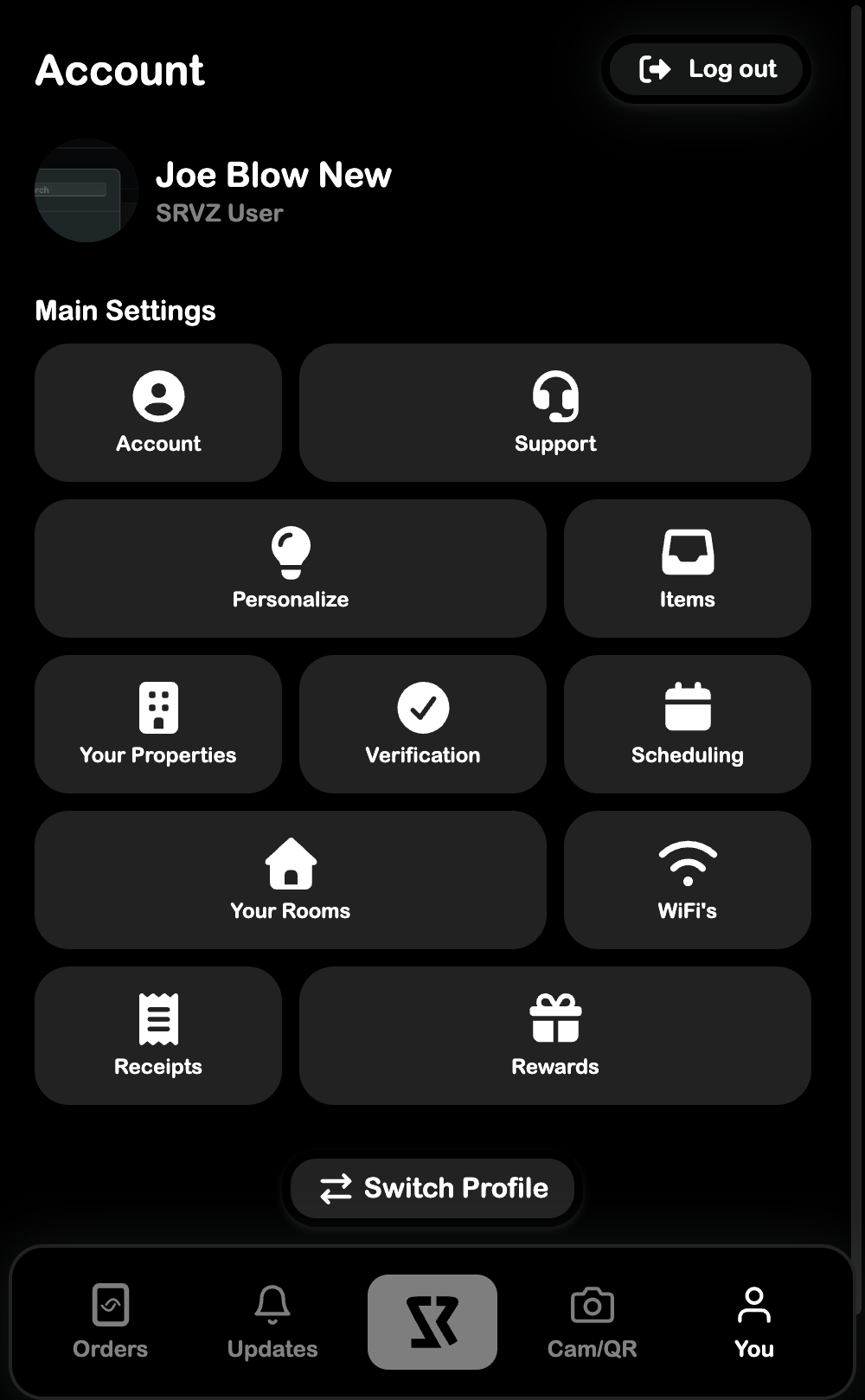
From here you can manage your profile, customize the app, and access all your saved data.
Settings Pages
| Page | What it does |
|---|---|
| Account | Edit your name, photo, and contact info |
| Personalize | Theme and push notification preferences |
| Items | View items that are accessible to you |
| Your Properties | Manage your registered properties |
| Verification | Verify your identity for full platform access |
| Scheduling | Create and manage triggers for automations |
| Your Rooms | View and scan 3D models of your room |
| WiFi's | Save WiFi networks for platform sharing |
| Receipts | View saved transaction receipts |
| Rewards | Track your SRVZ rewards |
Other Actions
- Support - Opens the in-app support widget
- Log out - Signs you out of your account
- Switch Profile - Switch between SRVZ profiles