Ask the SRVZ assistant
The SRVZ assistant is an alternative starting point for finding what you need. Use it to express an outcome in plain language, then review the actual offerings and actions it presents.
A practical example
Instead of guessing a category, describe that you need equipment and help for a small event. Review each available offer and its terms before requesting or buying.
Open the feature
Open this area in SRVZ. Screenshots use the actual local web app and a test account; your saved records and available offers may differ.
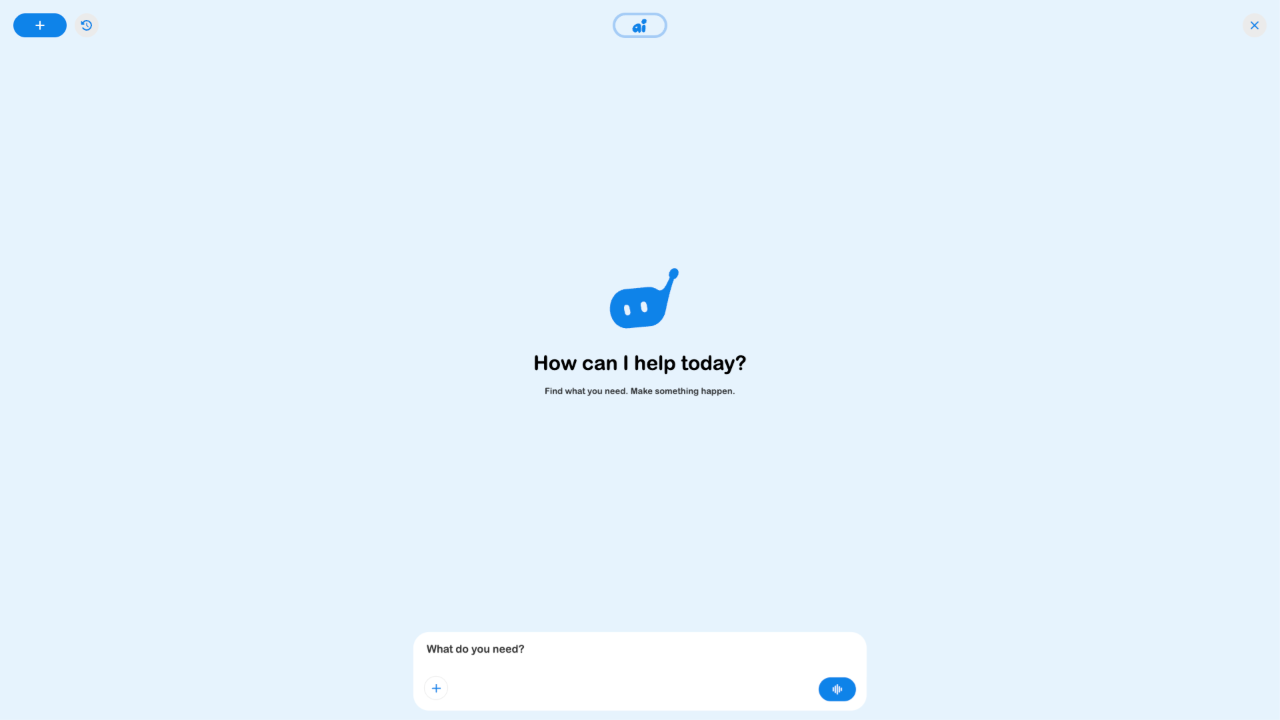
Step by step
- Open the assistant from the app or its AI page.
- Describe the outcome, location, and relevant constraints in a short request.
- Review the suggested information or offerings and open their details.
- Provide any additional answers the selected provider’s flow needs.
- Review each confirmation or checkout step before committing to a purchase.
Important options
| Option | What it means |
|---|---|
| Plain-language request | Works best with an outcome and relevant context. |
| Offering details | Price, availability, and conditions still belong to the actual offer and checkout. |
| Multi-part projects | The product direction includes combined resources, but this audit did not verify an automatic package checkout. |
Tips
Be concrete: what result, where, and when. Check the provider and final summary rather than treating a generated suggestion as a booking.
If something does not work
If the assistant cannot complete the task, browse the relevant marketplace category and inspect the available offer. The initial assistant screen was inspected; a complete agent-created purchase was not performed.
Related guides
Keep SRVZ and SRVZr workspaces distinct
Use srvz.app/ai for customer-side help finding and understanding offerings. Business operators use srvzr.app/ai for their assistant, cloud tasks and live voice. The business workspace's task cards and approval controls do not imply that a customer request has already become a booking.
If you are following an older link, check which app and account opened. Return to the actual offering or order to confirm price, availability and completion.