Your Rooms
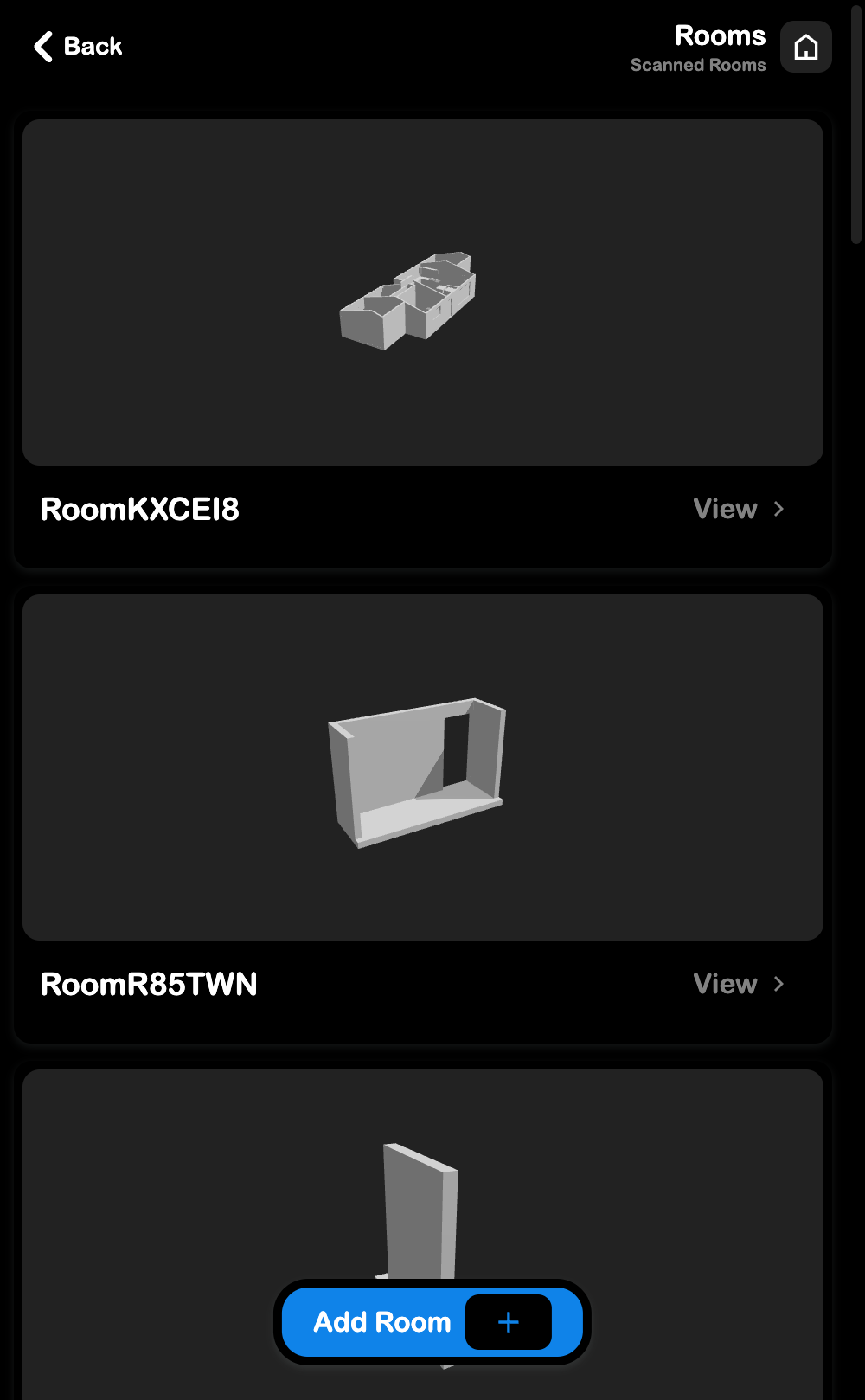
View and manage 3D scanned rooms. Open from Settings > Your Rooms.
What You Can Do
- View all your scanned rooms with interactive 3D models
- Tap a room card to open a full 3D viewer
- Tap Add Room to scan a new room
Scanning a Room
Room scanning uses Apple's RoomPlan API and is available on iPhone/iPad with LiDAR (iPhone Pro, iPad Pro).
- Tap Add Room
- Move around the room - the scanner captures walls, doors, and furniture
- When done, the 3D model uploads to the cloud automatically
Web users
Room scanning requires the native iOS app. On web, tapping Add Room shows a prompt to download the SRVZ app.
Viewing Rooms
Each room card shows a live 3D preview that auto-rotates. Tap View to open the full model viewer where you can rotate, zoom, and inspect the room.