Items
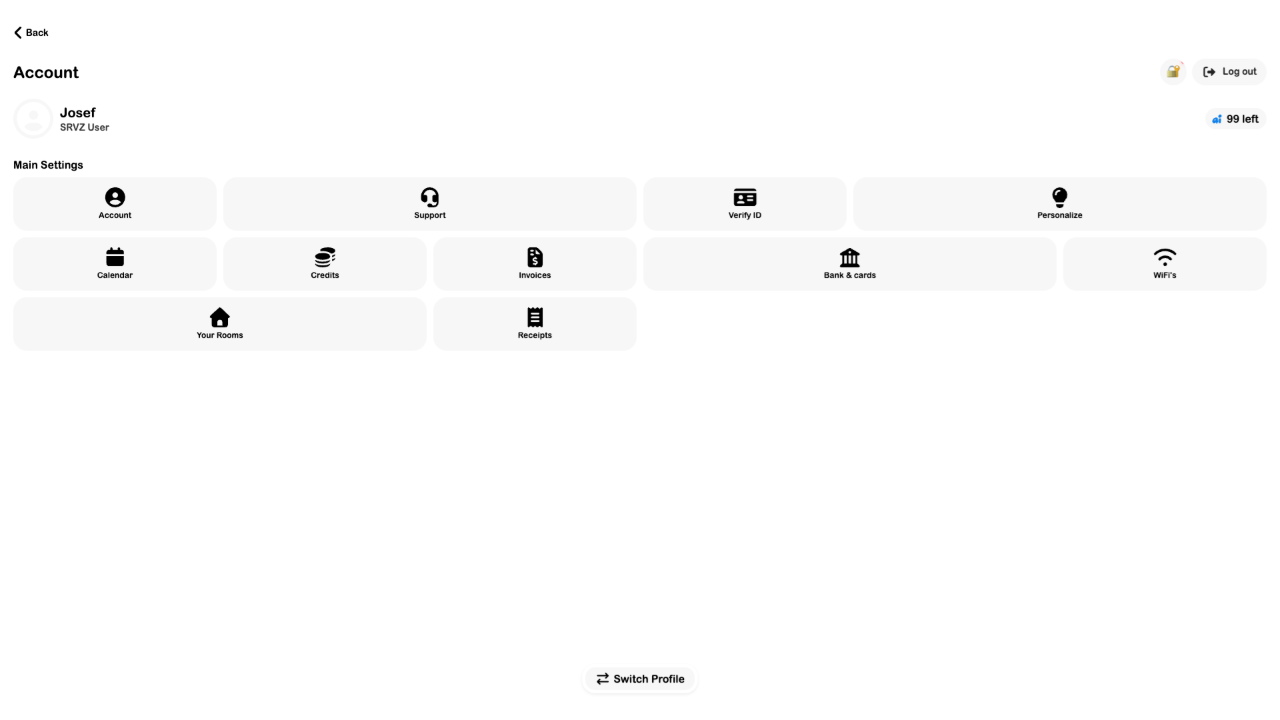
The current Account hub has no Items tile or separate customer inventory list. This guide remains available for older links. Browse the relevant offering or order to find a resource.
A practical workflow example
If you need a rental item, browse Rentals and inspect the offer rather than expecting a separate account inventory page.
Try the workflow
- Open Home and choose the category matching the resource.
- Inspect the offering and its current availability.
- Use Orders to find resources you already booked or purchased.
Controls to review
| Option | What it means |
|---|---|
| Current navigation | The inspected account tiles include Credits, but not Items. |
| Bookable resources | Their detail and booking screens are the current discovery path. |
Tips
Use the offering’s actual dates, rules, and checkout result as the source of availability.
Troubleshoot this workflow
This legacy guide URL remains available for old links. It does not imply that an Items account page is currently usable.