WiFi Networks
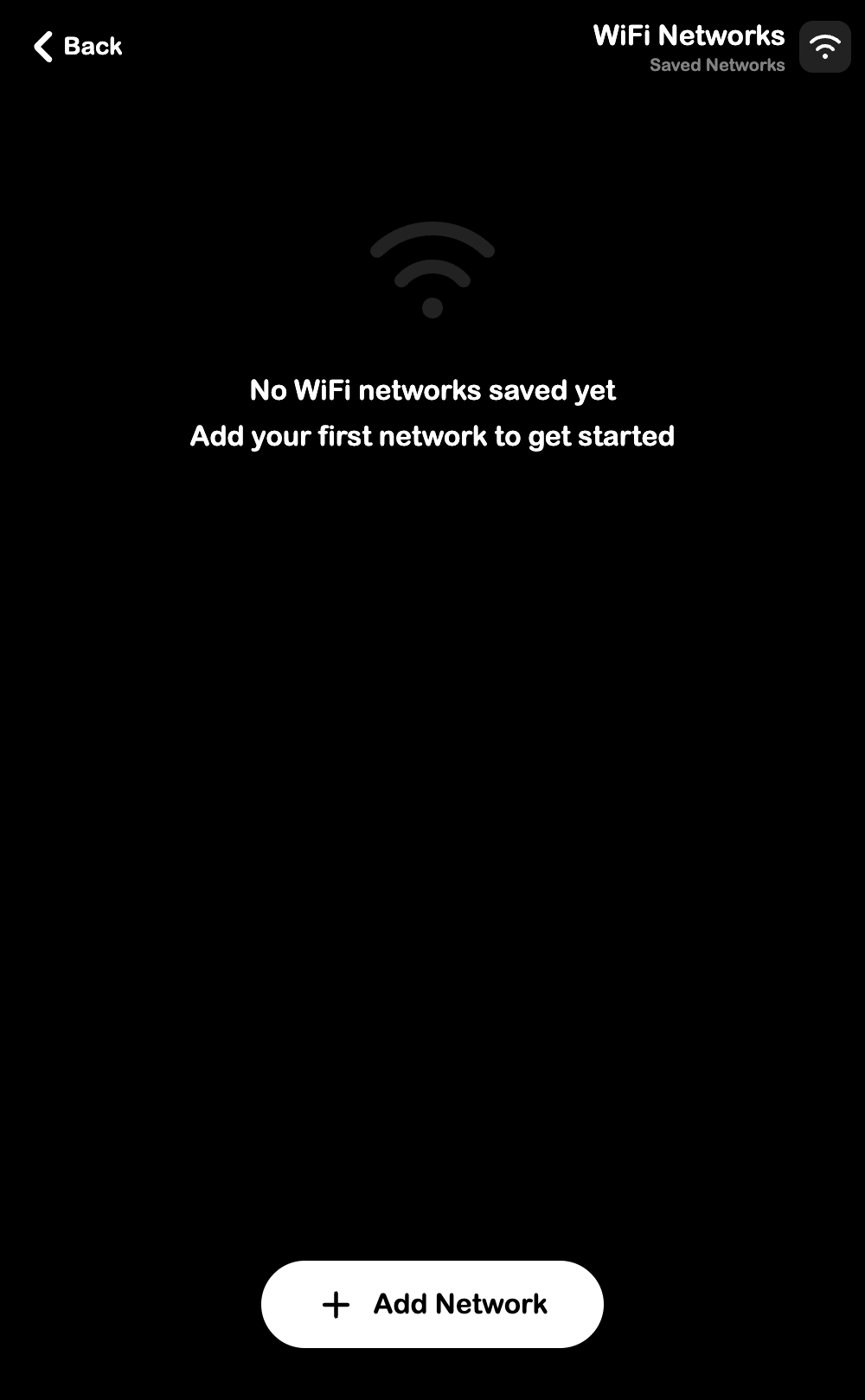
Save WiFi network credentials for quick sharing. Open from Settings > WiFi's.
What You Can Do
- Save WiFi network names and passwords
- Show/hide passwords with the eye toggle
- Delete saved networks
Adding a Network
- Tap Add Network
- Enter the network name and password
- Tap Save
WiFi passwords are sensitive. Save only networks you are authorized to manage, and share access only with an intended recipient through the controls actually available in the app. Do not include network passwords in public screenshots or documentation.