Verification
Identity verification now starts from Verify ID in Account. The older /verification link redirects to Account; its previous placeholder page is gone.
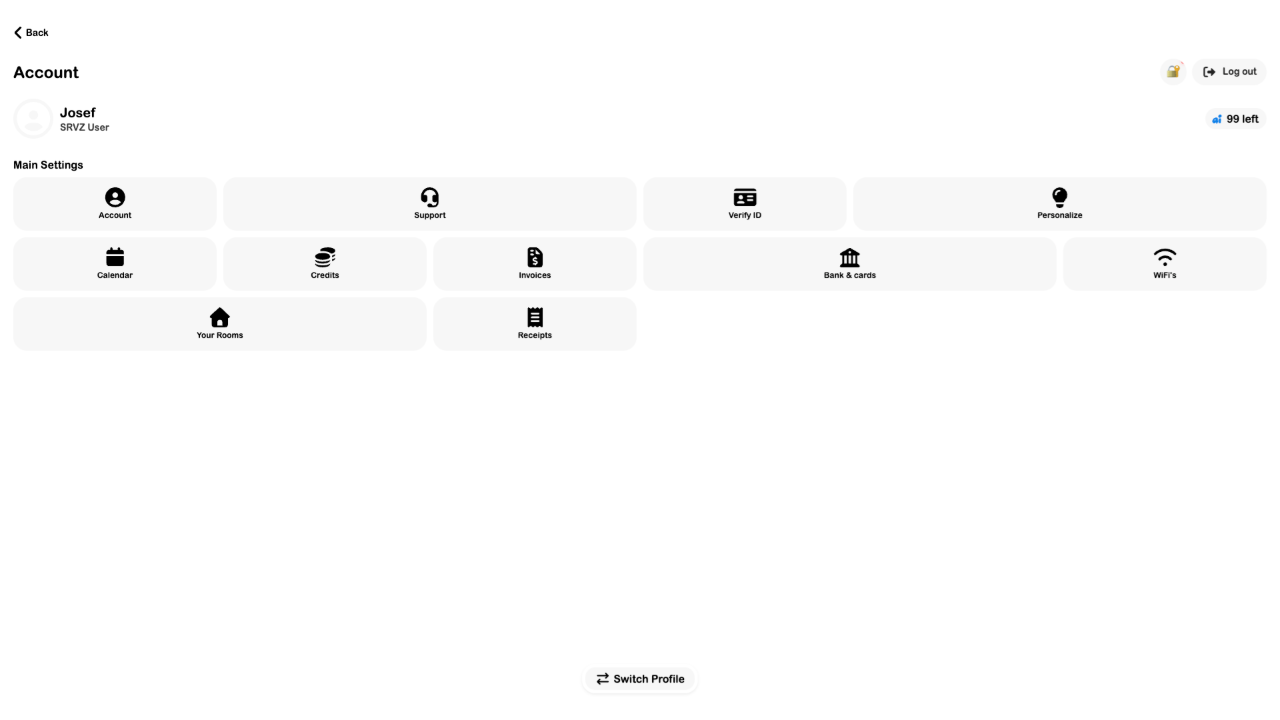
- Sign in to the intended account and open Account.
- Choose Verify ID and follow the identity provider's instructions on a supported browser or device.
- Return to Account and check the result. ID in review means processing is still underway; Retry ID check means more input is needed.
- When ID verified appears, return to the offering and check any remaining requirements.
The current implementation opens Stripe Identity and refreshes its server-recorded status. The entry point was inspected for this guide; no identity documents were submitted and a completed verification was not rehearsed.
Verification does not promise access to every offering. Stints, for example, can have separate location and rollout requirements. If the check cannot start, read the displayed error and use Support; do not submit identity documents through unrelated forms.