Receipts
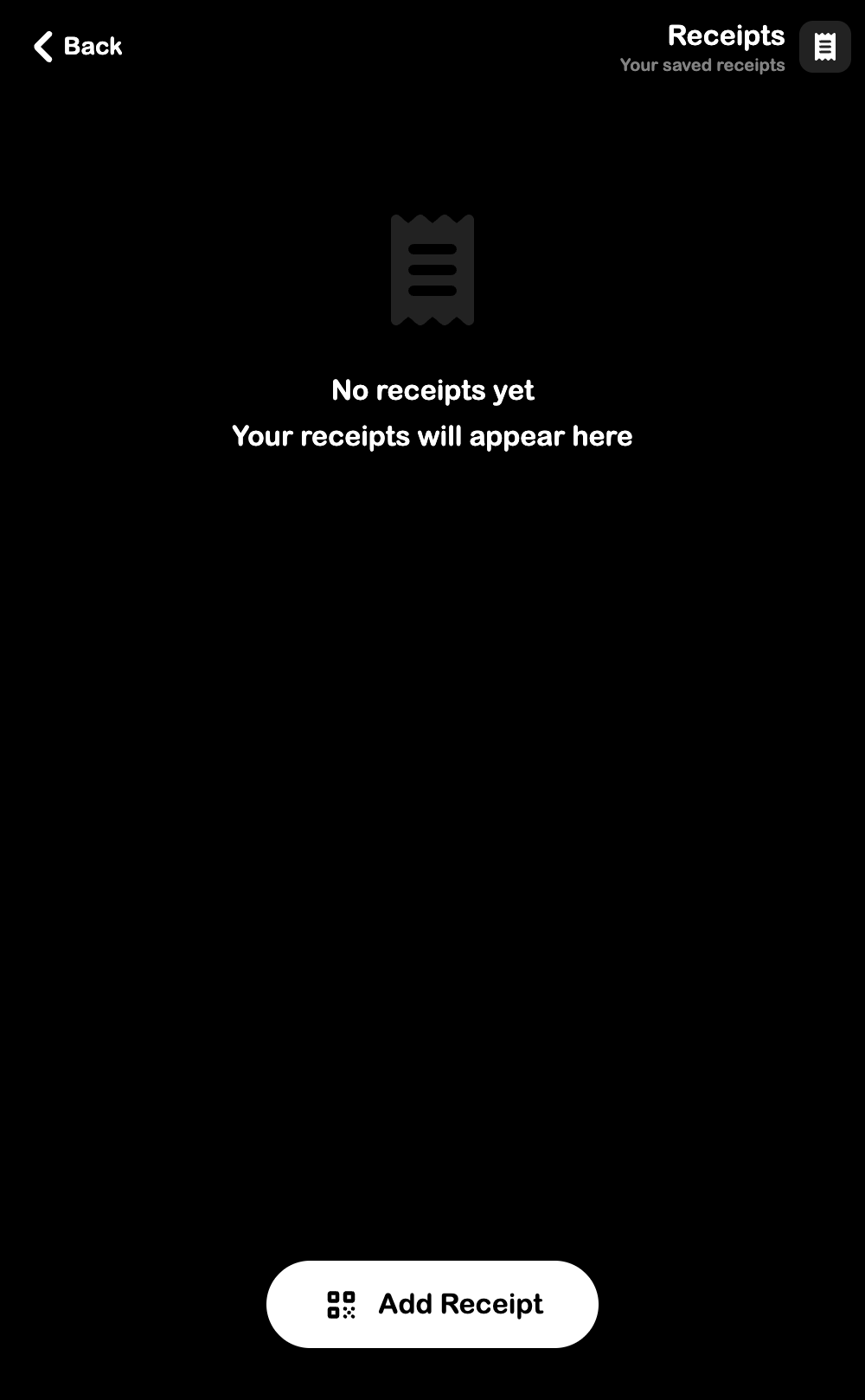
View your saved transaction receipts. Open from Settings > Receipts.
What You Can Do
- View all saved receipts sorted by date (newest first)
- See item breakdown, quantities, and totals for each receipt
- Tap Add Receipt to scan and save a new receipt
Each receipt shows:
- Date and time of the transaction
- Total amount
- Line items with name, quantity, and price