Scheduling
The older Scheduling setup screen has been replaced by a link to Calendar. Both /scheduling and the older schedule-creation URL now open Calendar. The separate Create Schedule form is no longer available in the current web app.
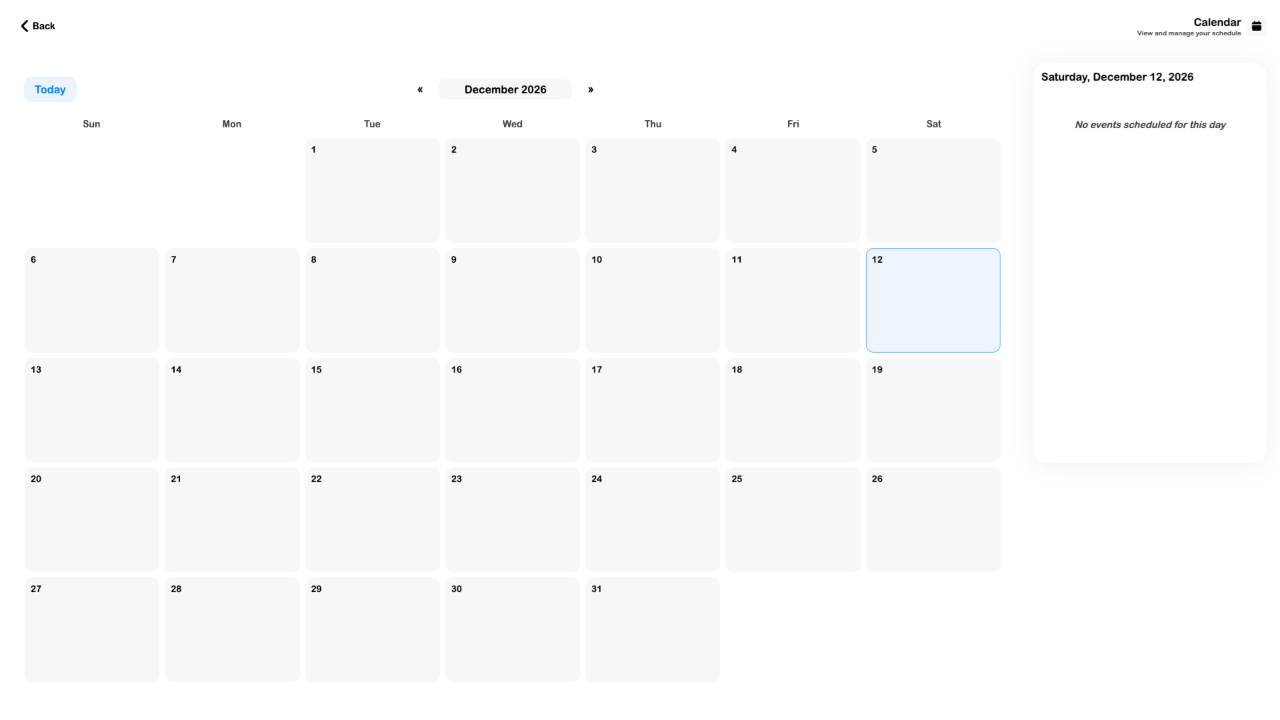
- Open Account → Calendar.
- Choose the relevant month and date, then inspect its entries.
- Open Orders to review the underlying booking and its current status.
- To request a new date, use the service, rental or event's own booking flow and check its final confirmation.
The old saved-schedule persistence limitation described a removed form. It is not a limitation on saving a booking through a provider's supported flow. This page does not document a consumer automation scheduler or promise that visiting Calendar reserves a date.
See Your calendar, Services and Rentals.