Request a service
Choose the right offering, provide useful details, and check the resulting request.
Before you start
Use the account you will use for the booking or saved record. Available options depend on the actual offering, provider setup, location, and device. The examples show the real app UI; no paid purchase or physical robot task was completed for this guide.
1. Choose the outcome
Open Home → Services and review cards for the job you need. Choose Select, then inspect the provider, scope, coverage, and More Details.
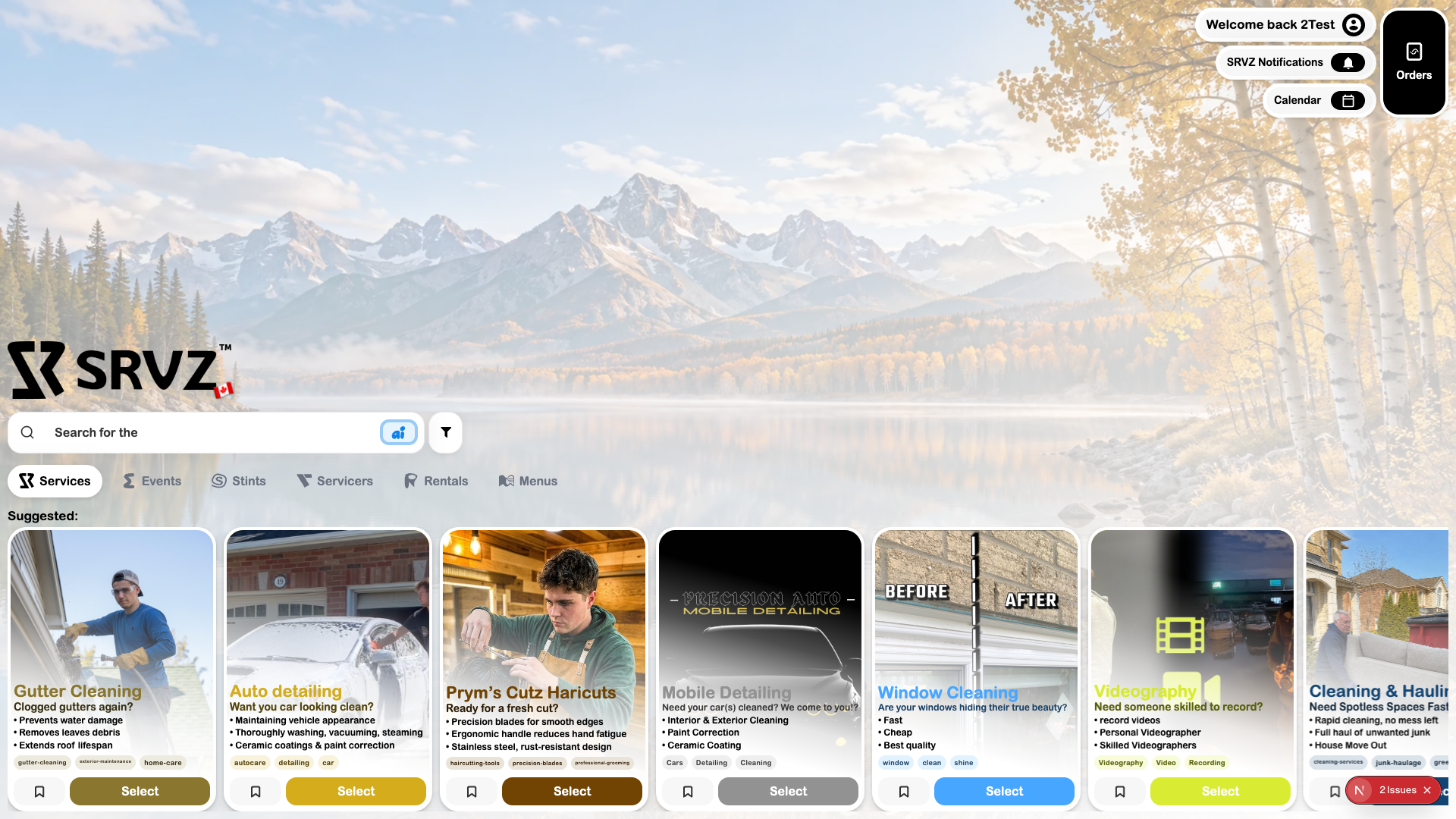
2. Review the actual offer
Confirm that the provider serves your location and the offering covers the work. Read reviews when available; No reviews yet is a valid state.
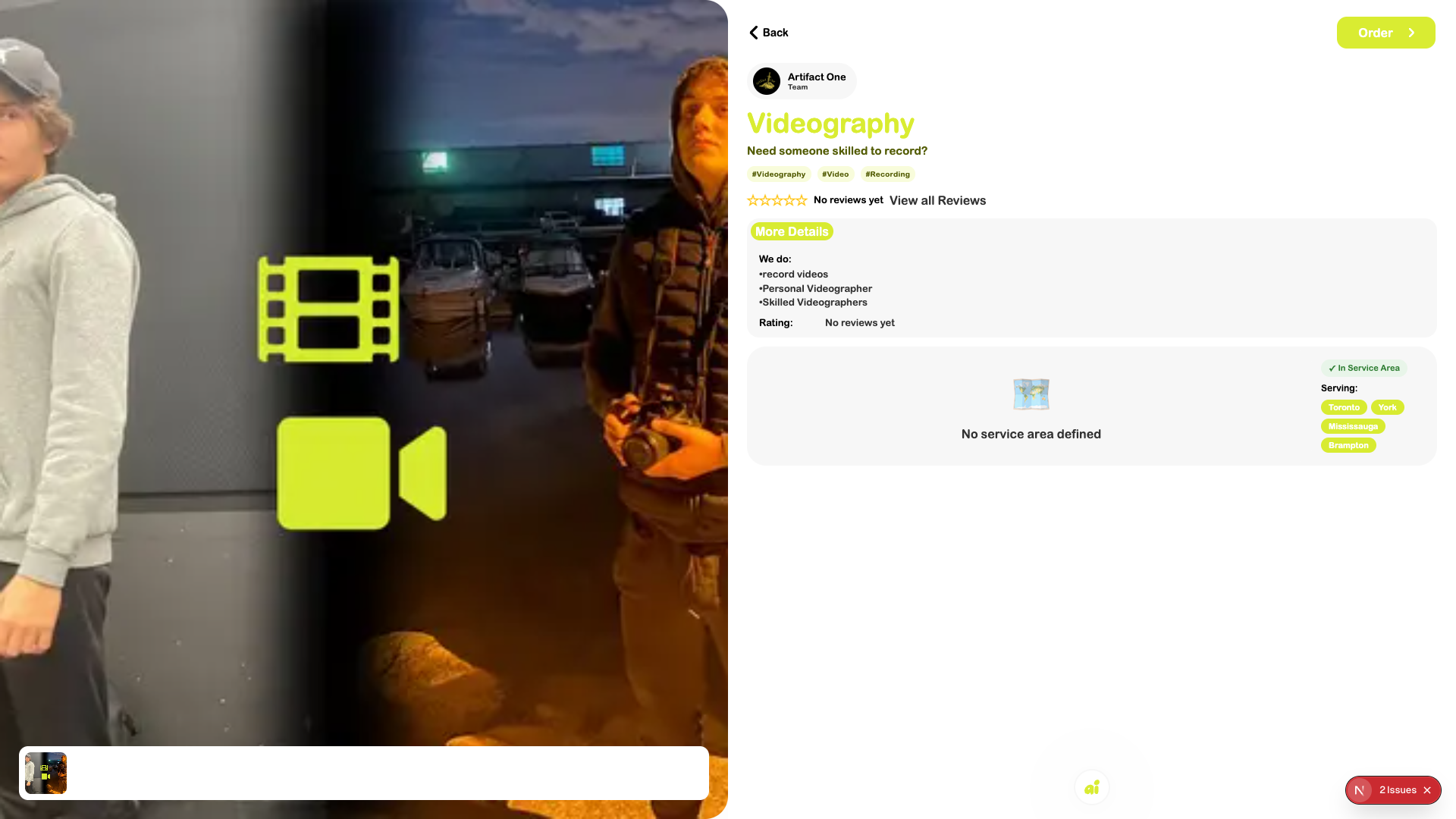
3. Follow the provider’s intake
Choose Order. Answer the fields shown by this provider, supply photos or measurements when requested, and review the pricing or quote step. Fields differ between services; an empty flow is not a submitted order.
4. Check the result
Review the final summary before submitting or paying. Keep the confirmation and open Orders. A Requested record and an accepted/paid booking are different milestones.
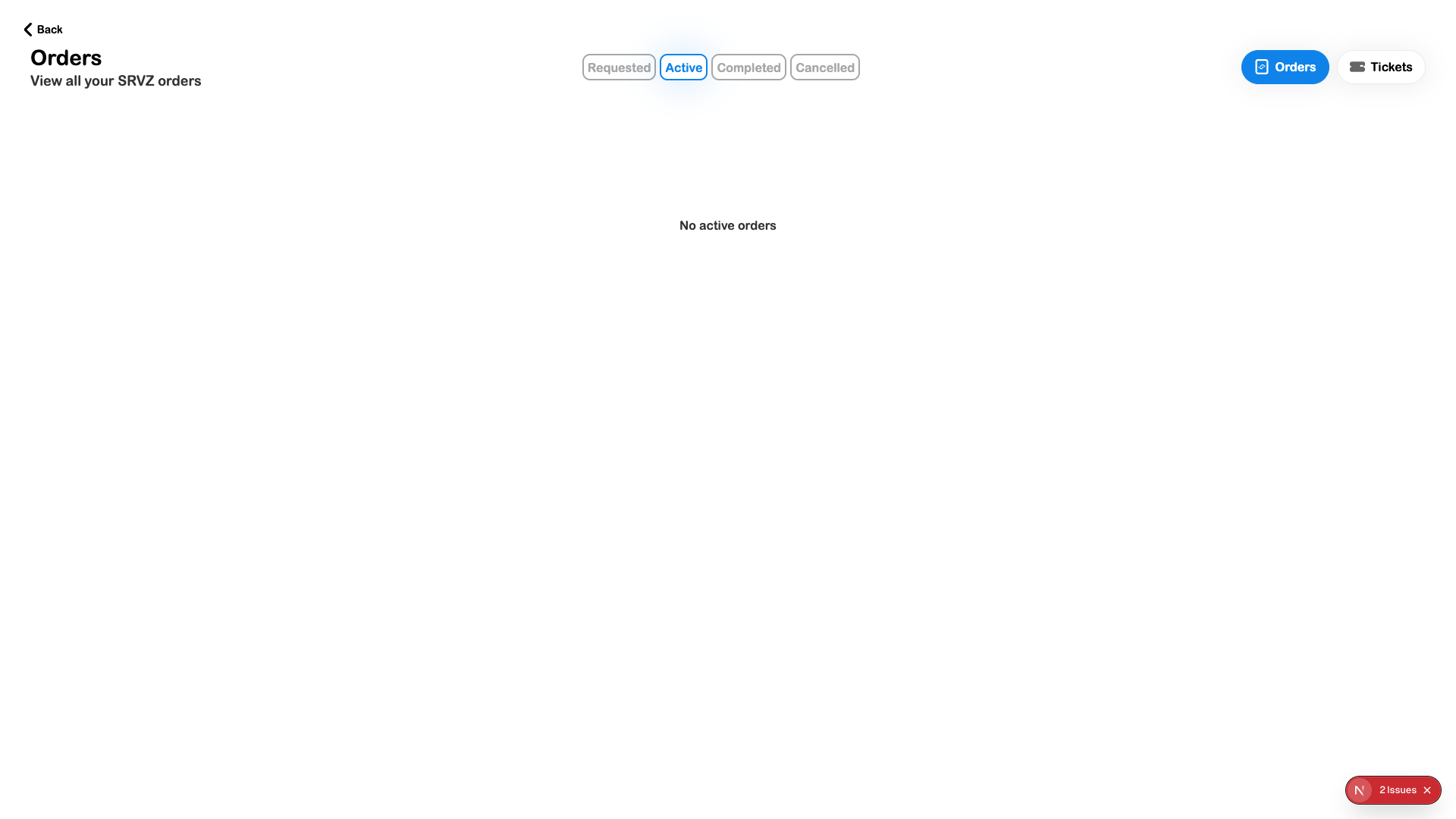
Check the outcome
- The provider and scope are correct.
- The requested location/time and attached information are accurate.
- A confirmation exists and the request is visible in the appropriate Orders view.