Book a rental
Review the resource, timing, billing unit, and return rules before confirming.
Before you start
Use the account you will use for the booking or saved record. Available options depend on the actual offering, provider setup, location, and device. The examples show the real app UI; no paid purchase or physical robot task was completed for this guide.
1. Find the resource
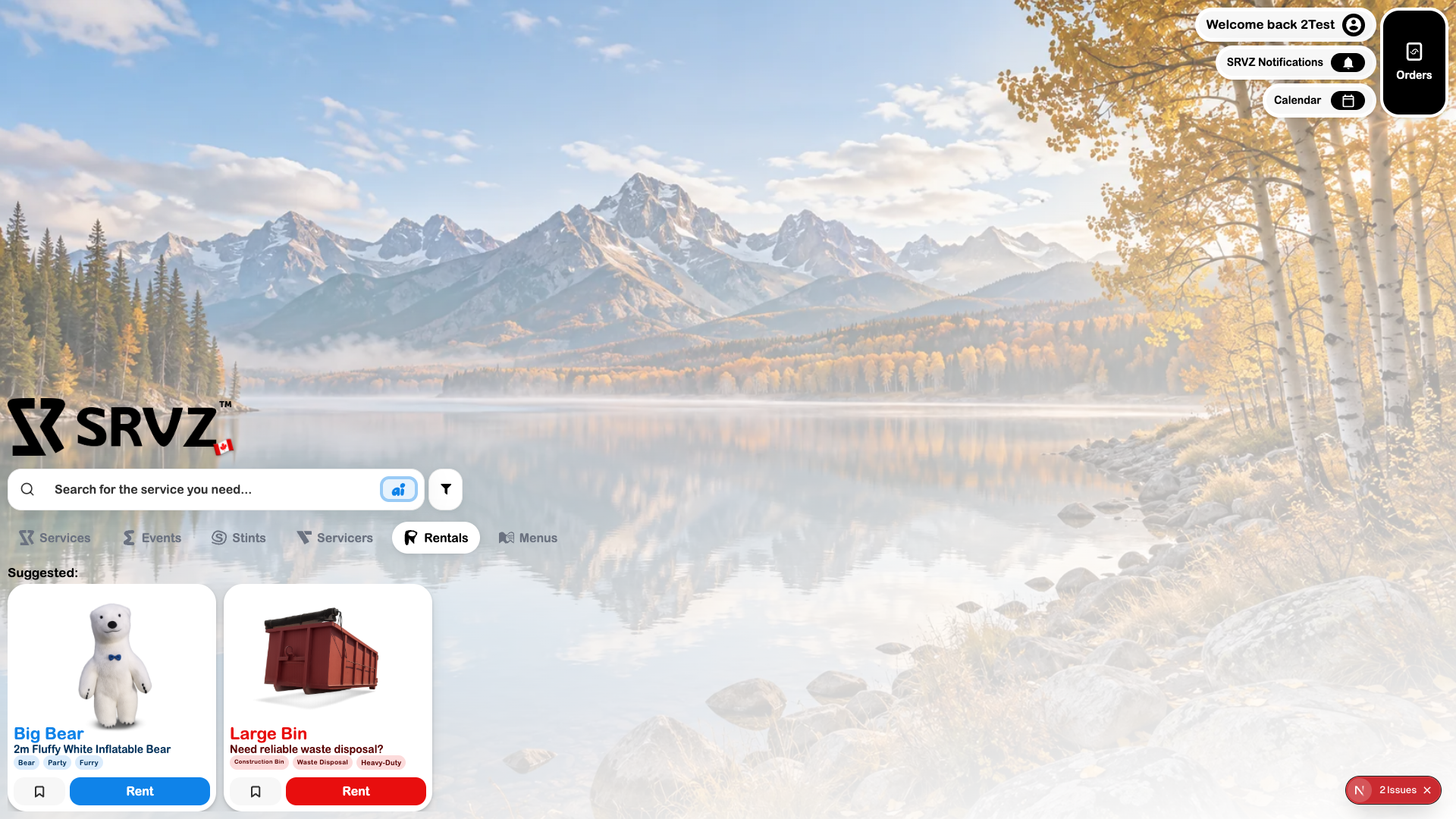
Open Home → Rentals and choose Rent on the resource you need.
2. Check the terms
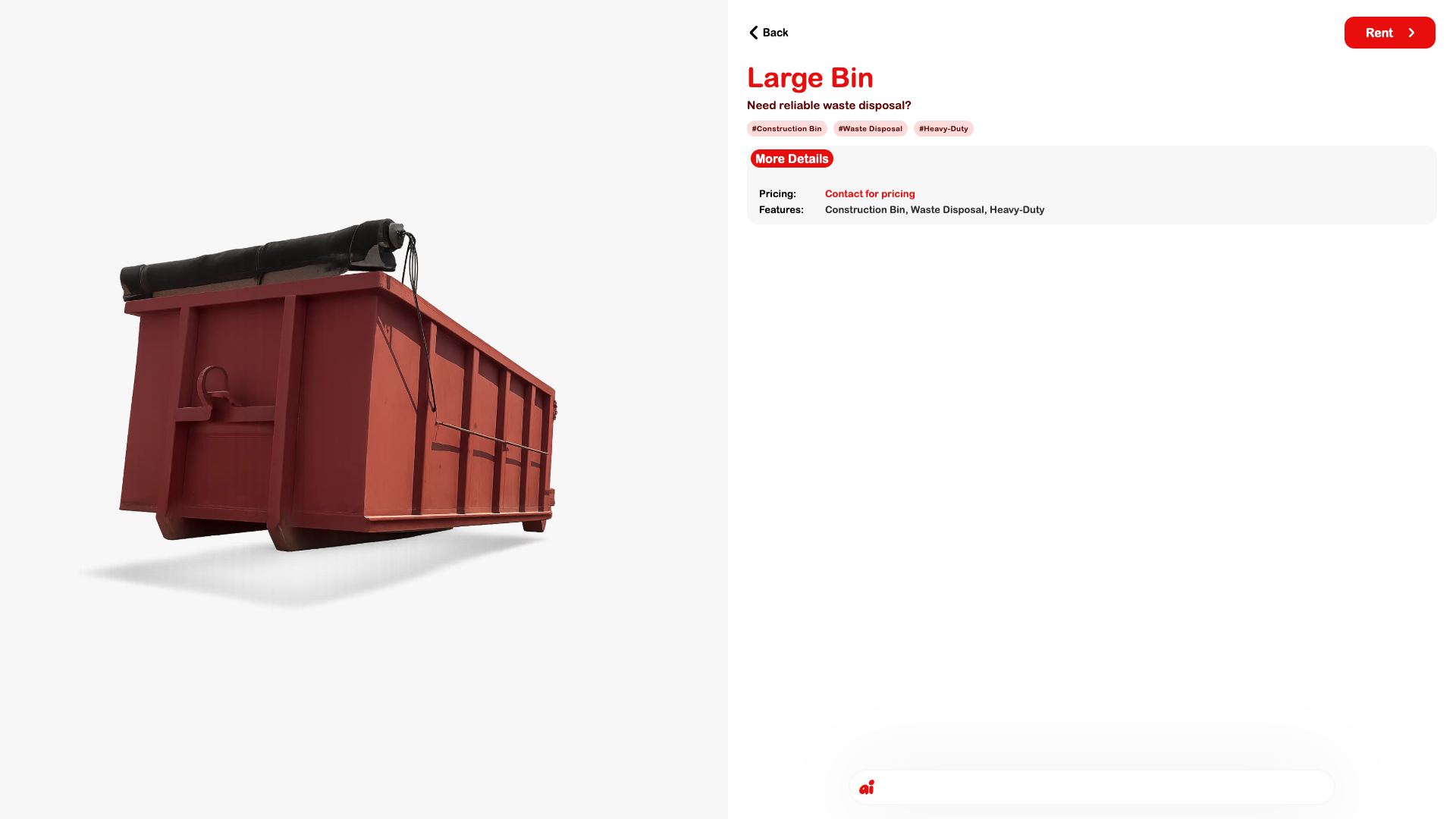
Review the listing description, billing unit, duration limits, and pickup/return rules. A rental item and a service request have different information needs.
3. Choose the period
Follow the listing’s booking controls and enter the dates and renter details it requests. Review the total for the whole period before paying or confirming.
4. Verify the booking
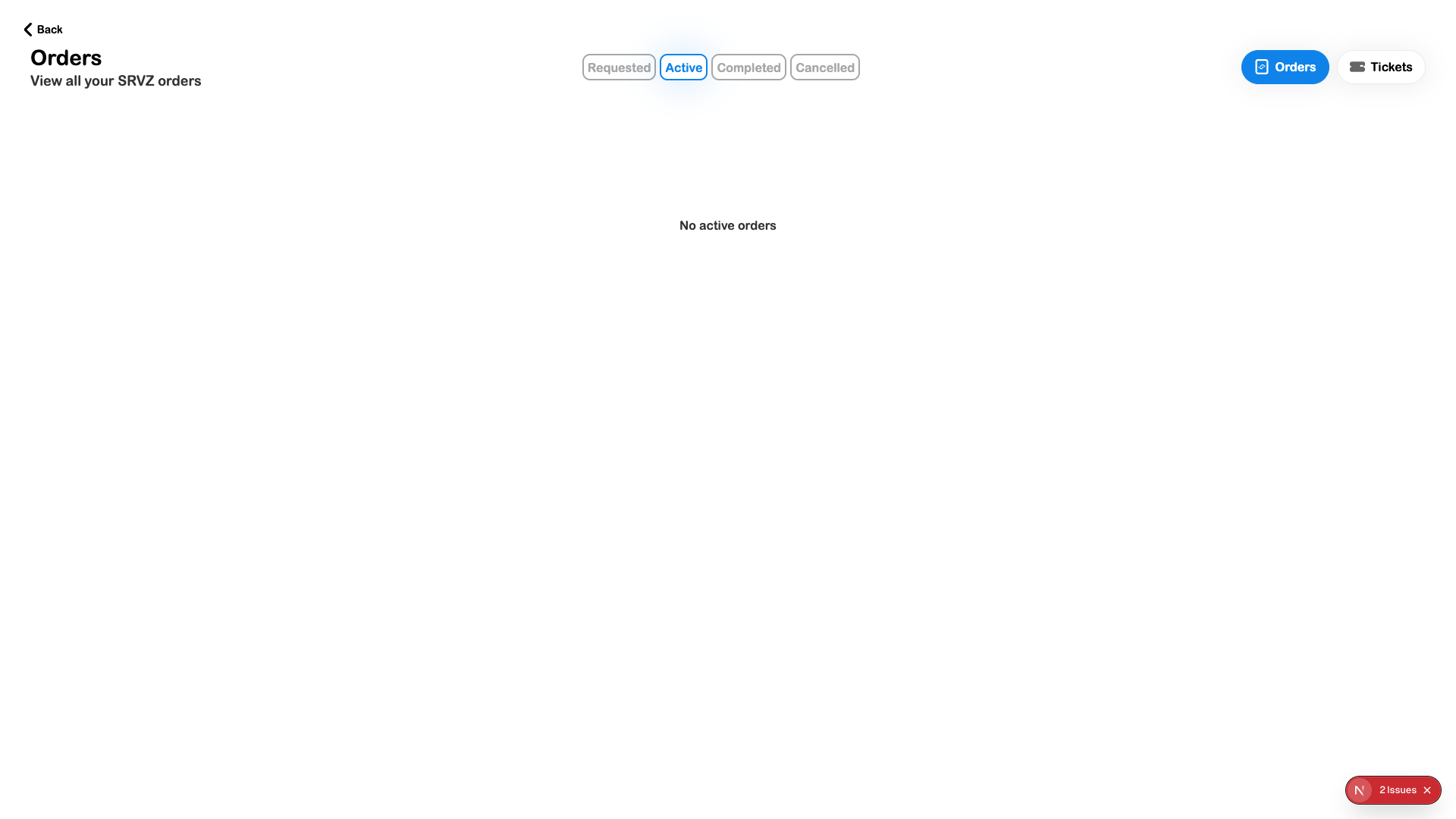
Open Orders and inspect the resulting rental. Confirm the handover arrangement with the provider when it has not already been established.
Check the outcome
- The right resource and duration were selected.
- The total and return conditions are clear.
- The resulting booking and its current state are visible.